> For the complete documentation index, see [llms.txt](https://docs.datacroft.de/llms.txt). Markdown versions of documentation pages are available by appending `.md` to page URLs; this page is available as [Markdown](https://docs.datacroft.de/readme.md).
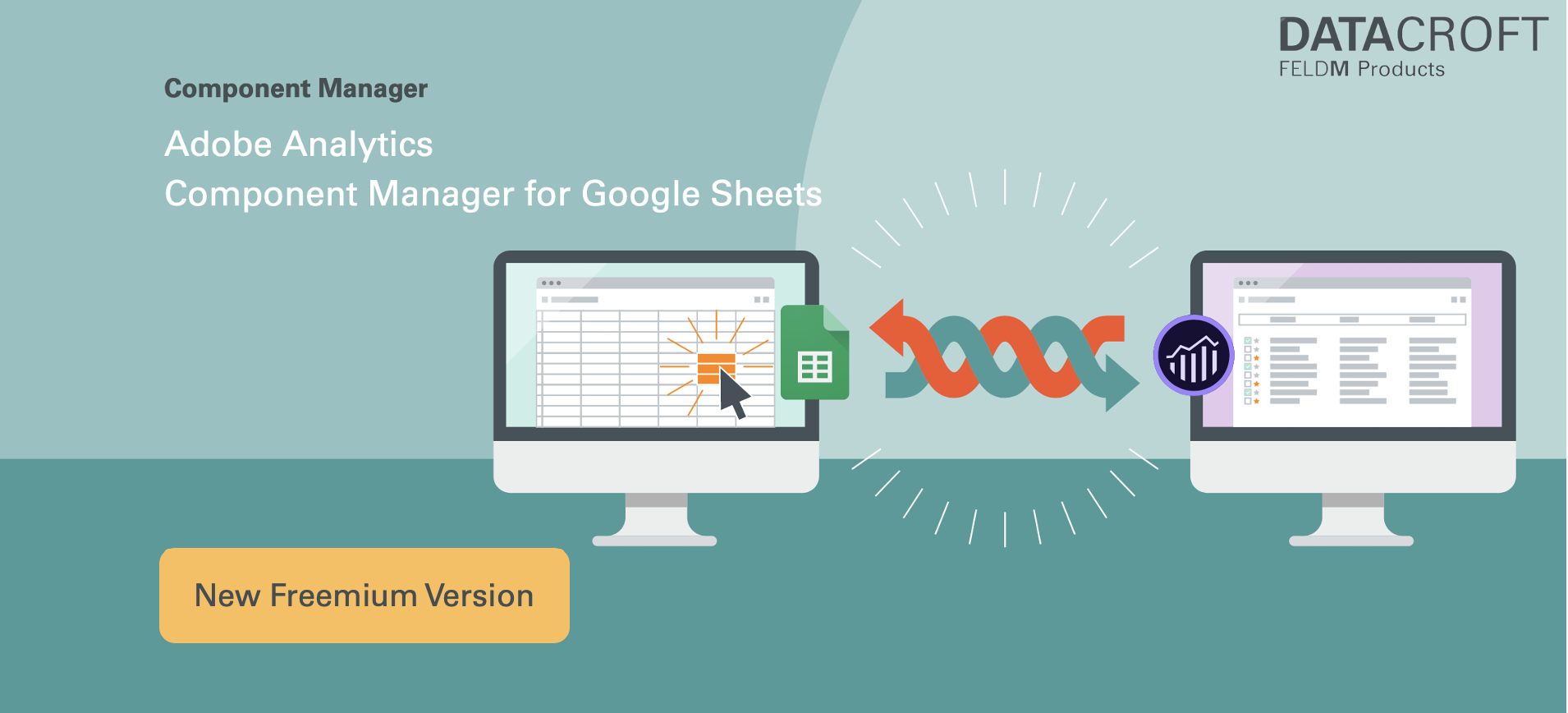
# Adobe Analytics Component Manager for Google Sheets
Public documentation.
{% content-ref url="/pages/-MboStulPIYUeRKS-s1H" %}
[Getting started with the Component Manager](/getting-started-with-the-component-manager.md)
{% endcontent-ref %}
{% content-ref url="/pages/ihBjja0Rig5CBzRq1YgM" %}
[What is the Component Manager?](/what-is-the-component-manager.md)
{% endcontent-ref %}
{% content-ref url="/pages/-Mi3U5JcZ\_UqgcMKC\_IQ" %}
[Main Functions](/main-functions.md)
{% endcontent-ref %}
{% content-ref url="/pages/NmaBbuWPivHOedvlBpnK" %}
[Free vs. Premium Version](/free-vs.-premium-version.md)
{% endcontent-ref %}
{% content-ref url="/pages/-MbpS0aSIrAmhGLQtisA" %}
[Data Protection - what data is used and where is it stored?](/what-data-is-processed-and-stored-where.md)
{% endcontent-ref %}
In addition to the documentation provided here, check out some of the articles and videos on how to use the Component Manager:
* 7 Steps to clean up your Adobe Analytics in a Data-Driven Manner:
* Find and delete 100's of unused Adobe Analytics Segments with a few clicks (Video):
* [Prepare for your Migration from Adobe Analytics to CJA (Customer Journey Analytics) with the Component Manager](/prepare-to-migrate-to-cja-with-the-component-manager.md)
Or check out the the [**slide deck**](https://drive.google.com/file/d/1Te0B30HWTtczVjsIhvYkO0QVDtdVHQGN/view?usp=sharing) and the [**official Product Page at DataCroft**](https://datacroft.de/en/component-manager/).
## **Want to find out more? Contact us!**
*
*
*